Make sure it’s their badge
The payment page shows the attendant’s first name, badge number and venue. Match those to the badge in front of you, then choose a voluntary tip from R5 to R500.
They look after your car. You want to say thank you. TapTip is building a way to tip with your phone: tap a vest badge or scan its code, check who you’re tipping, and choose your amount. Try it below — no money moves in the demo.
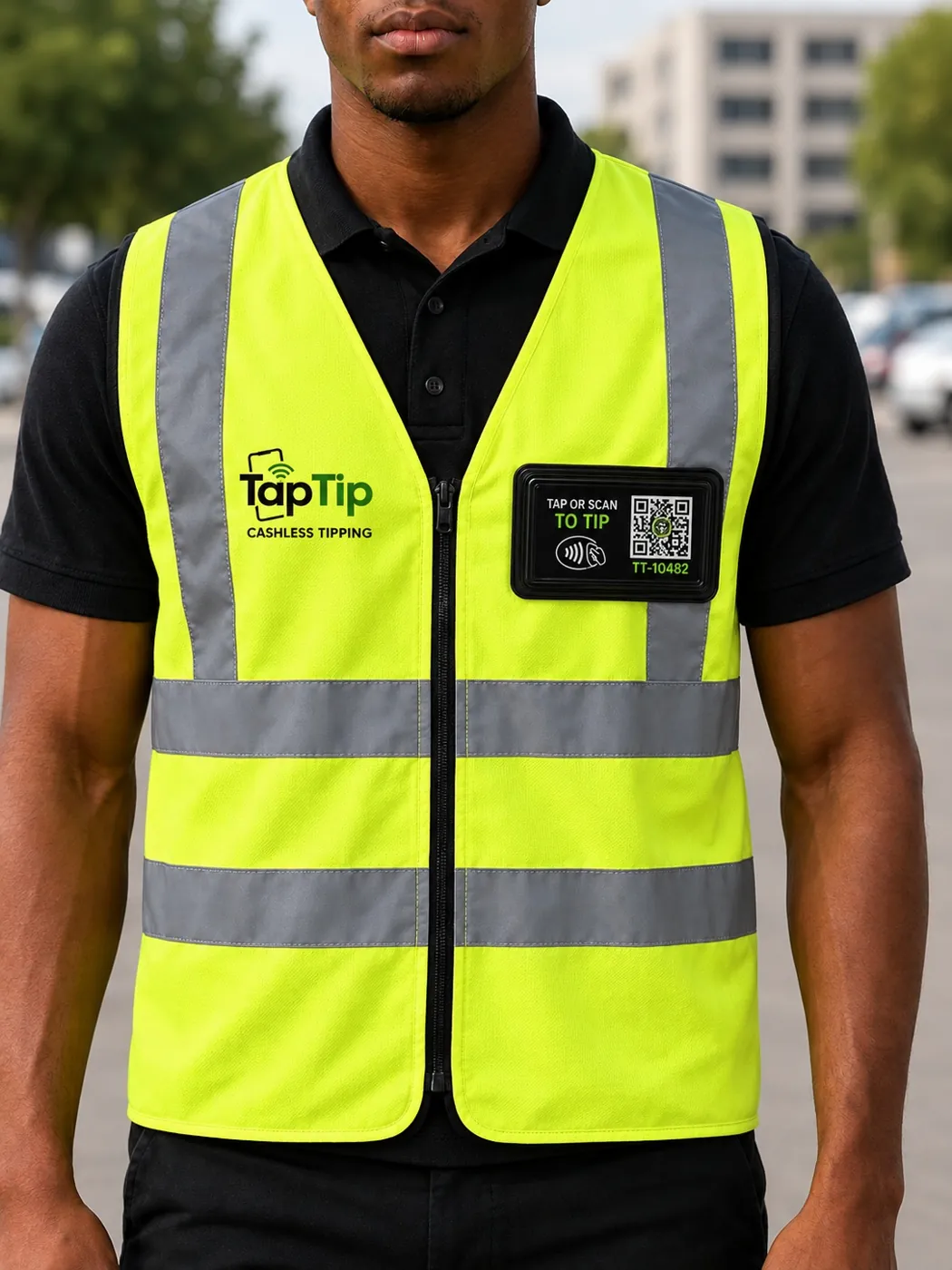
They watched your car. You want to say thanks. TapTip is being built to turn that moment into a tip — with a tap or a scan, clear fees and a record you can check.
Online payments are not yet open. The proposed integration uses Yoco-hosted checkout; we have not yet applied for or received Yoco approval.
Confirmed tips appear in your dashboard after payment confirmation. Receiving a tip and receiving a payout are separate steps.
Patrons don't download anything. Tap an NFC badge or scan the printed QR code and they're straight into checkout.
Attendants and venue owners both see exactly what came in — no more guessing what the cash tip jar actually held.
Give patrons who have no cash a way to recognise the people who helped them. Tips are always voluntary.
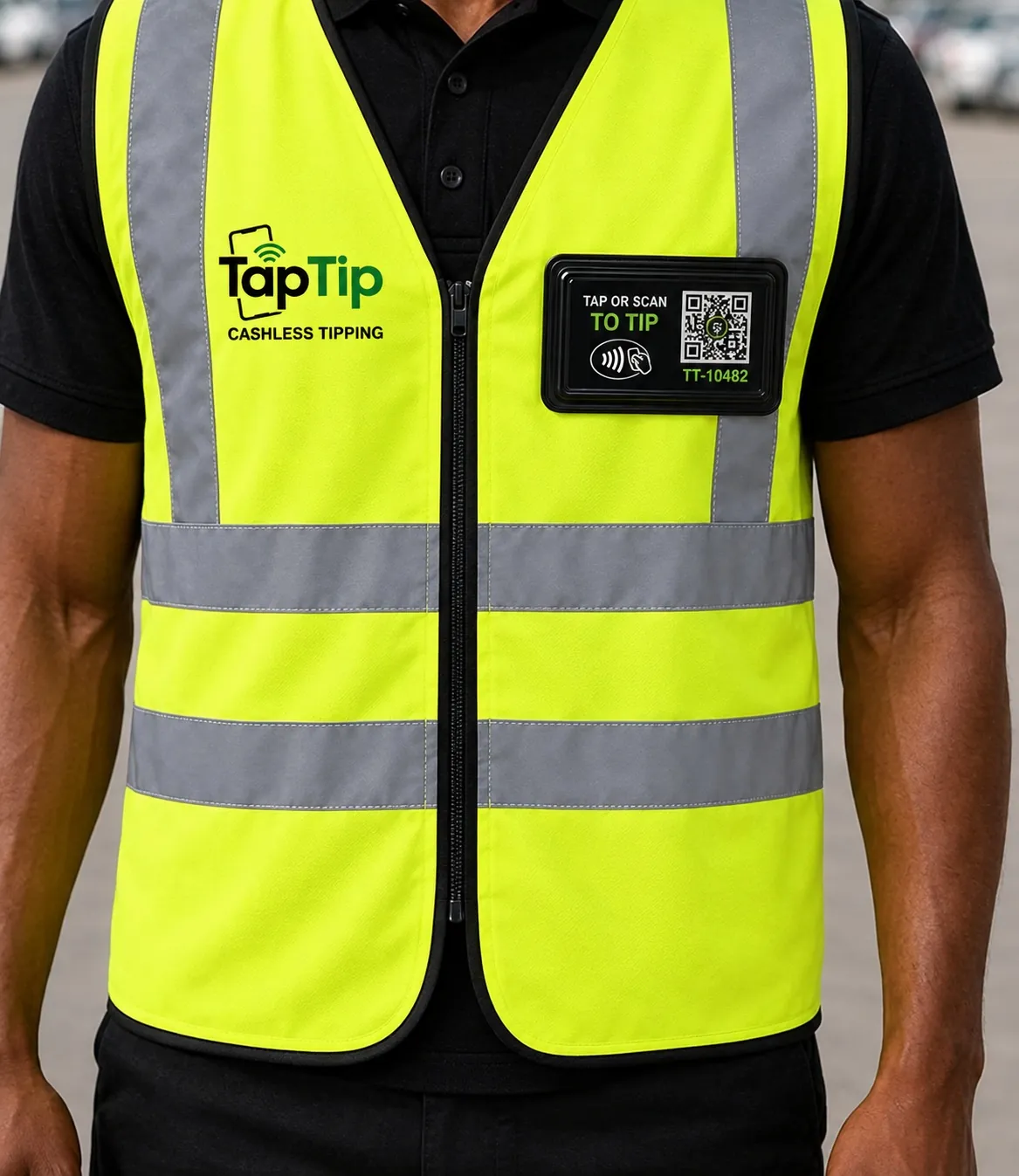
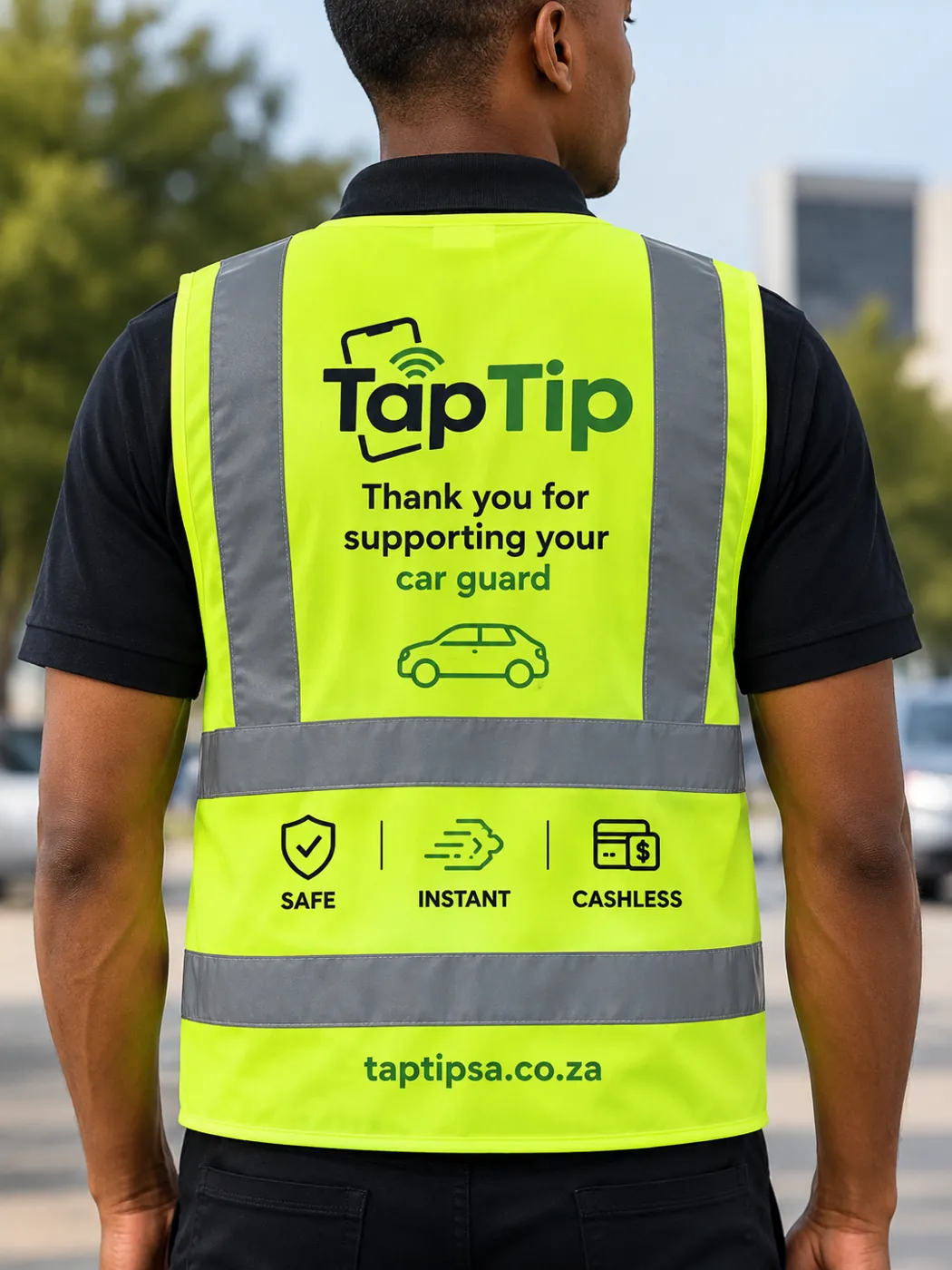
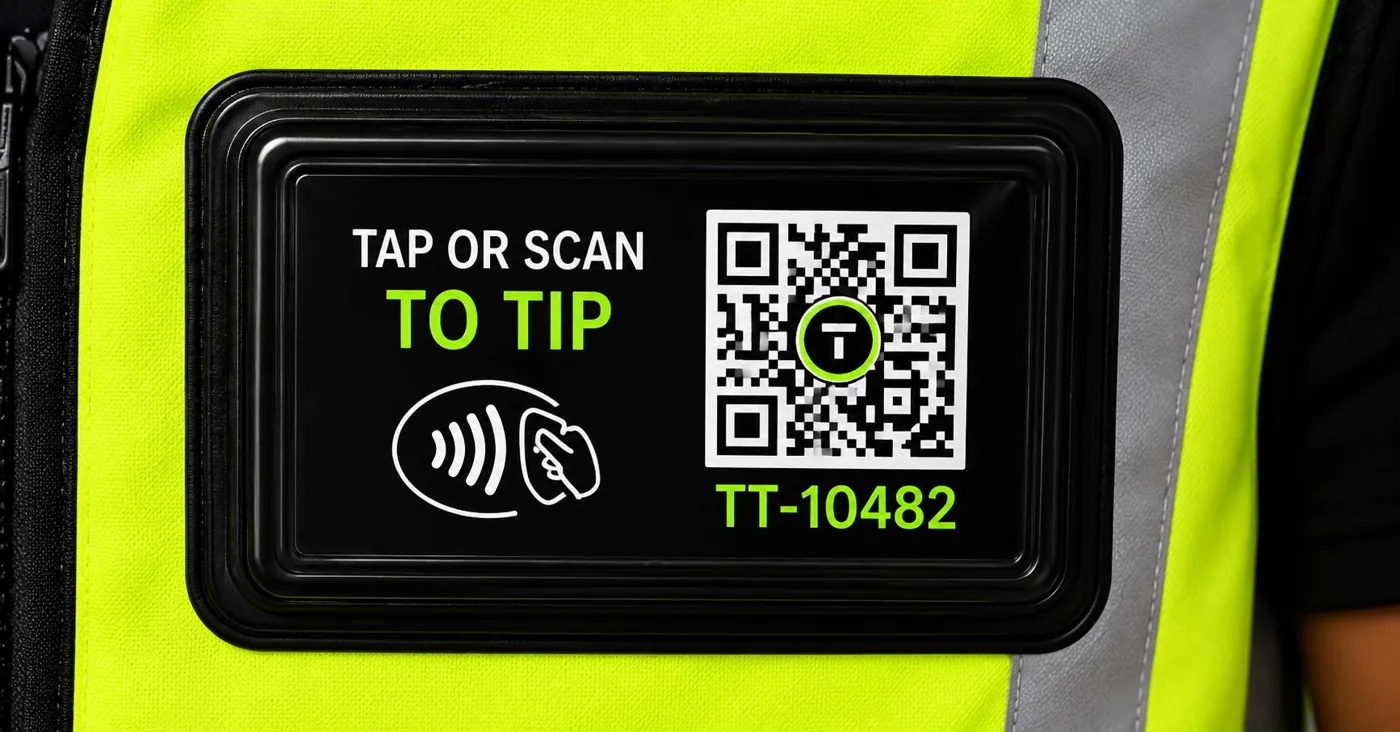
Every TapTip vest is proper hi-vis workwear first — reflective strips, branded panels, a recognisable TapTip badge. The tap zone is just built in.
Discover how quick and easy cashless tipping can be. Explore the same payment experience customers see after tapping a TapTip badge and follow the journey from start to finish.
Demo only: this is a demonstration. No real payments are processed, and no information is saved.
Open full screen ↗Each TapTip vest ships with a personal NFC + QR badge, linked to that attendant after verification.
No app downloads. No account creation. Just tap your phone and go. A phone held near the badge — or a quick QR scan — opens a simple checkout screen instantly.
After launch, the proposed checkout will offer supported card payments. Payment times depend on your connection and bank.
Confirmed tips appear in the dashboard. Payout schedule: Weekly, after verification, using EFT or FNB eWallet.
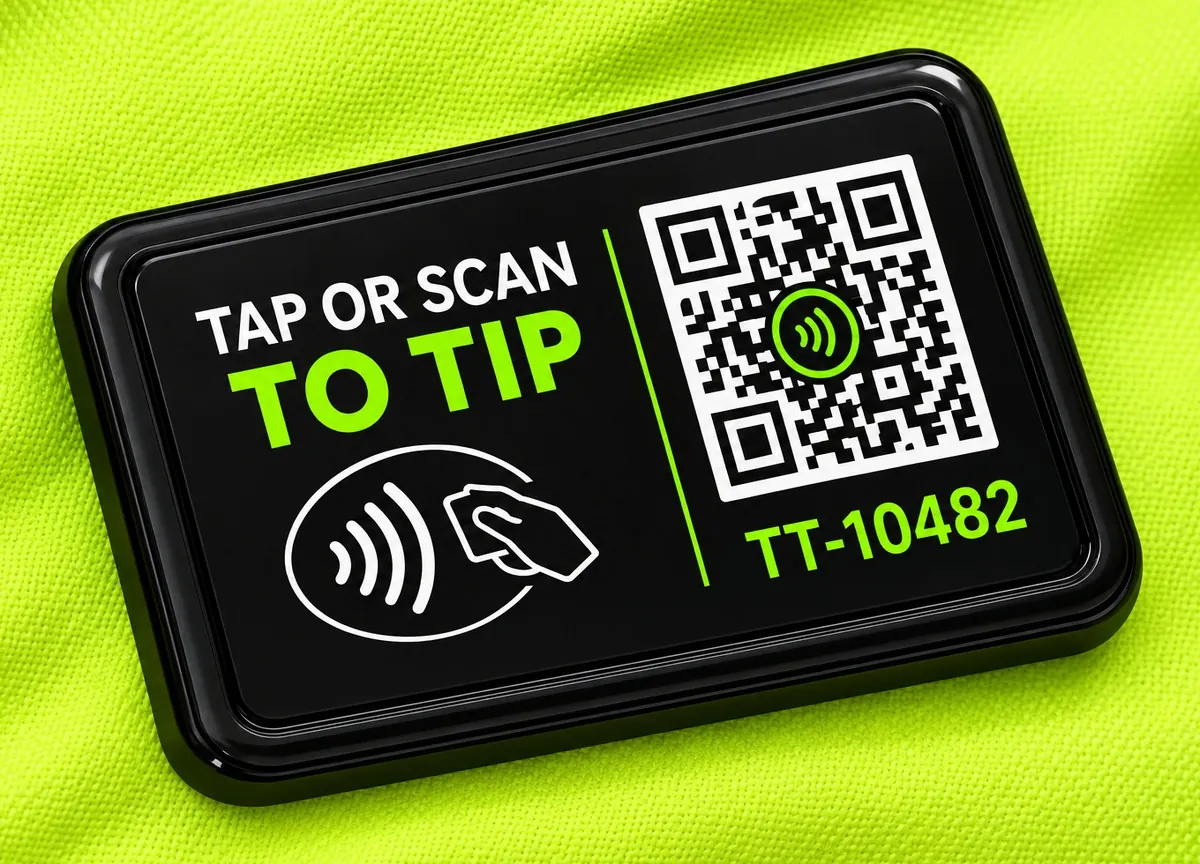
Your vest comes with a personal NFC + QR badge. We activate tipping after identity and payout checks.
Thanks — we've got your order.
We will prepare your vest and badge and confirm your collection or delivery details.
Go to attendant portal →| Traditional cash tips | TapTip |
|---|---|
| Patron needs cash on hand | Tap or scan to pay |
| Limited to loose coins and notes | Choose a tip within the published limits |
| Easy to lose or have stolen | Secure digital record |
| No way to track what came in | Live earnings dashboard |
| No payment history | Full transaction history |
TapTip stays exactly the same platform — you're simply placing one order to get vests and badges out to your whole team at once, instead of one at a time. Fill in a few details below and we'll get back to you with pricing.
Before you tip, you should know who receives it, what the fee is and how the money reaches them.
The attendant receives 90%. The 10% service fee is deducted before payout, so there are no surprises in the split.
The payment page shows the attendant’s first name, badge number and venue. Match those to the badge in front of you, then choose a voluntary tip from R5 to R500.
Confirmed tips appear in the dashboard. Attendants receive payouts weekly by EFT or FNB eWallet, after their identity and payout details have been checked.
Disputed payments may need investigation before payout. Approved refunds use the original payment method where possible; bank processing times vary.
Get help with a paymentWe’re preparing for launch. Yoco is the proposed payment provider; we have not yet applied or received approval. Real payments are closed.
Liam van DammeFounder, TapTip
I'm Liam van Damme, the founder of TapTip. Every day, car guards look after our cars while we shop, eat and work. Yet when it’s time to say thank you, more and more of us have no cash to give.
That’s the gap I want TapTip to close. A tap on a vest badge or a scan of its code should let someone say thanks without searching for coins. The attendant receives 90% of each tip, the fee is shown openly, and identity and payout checks come before anyone can receive money.
TapTip is a South African company, registered in 2026 and based in Johannesburg. We’re still early. I want to build this properly, with guards, shopping centres and customers treated fairly — and I’d love to hear from people who want to be part of it.
Say hello to LiamA venue or sponsor can cover the R150 vest and badge. Delivery is separate. If you’re thinking about a whole team, tell us what you need.
Hold your phone near the badge or scan its QR code. The tipping page opens in your browser — no app to download.
Match the first name, badge number and venue. Choose a tip from R5 to R500 and see the 10% fee before continuing.
After launch, you’ll finish in the hosted checkout and wait for payment confirmation. For now, the demo lets you try it without spending anything.
You’re welcome to explore the demo now — it won’t take a payment or save a tip. We’re still preparing for launch, so real tipping and online vest checkout are closed. Yoco is our proposed payment provider; we haven’t submitted an application or received approval yet.
The tipping page shows the attendant’s first name, badge number and venue. Take a moment to match those to the badge they’re wearing. If something doesn’t look right, pause and ask them to check the link, or let us help. We want you to feel comfortable before you pay.
No app or TapTip account is needed to leave a tip. Tap the badge with a compatible phone or scan the QR code with your camera, and the page opens in your browser. If your phone doesn’t respond to a tap, the QR code gives you another way in.
You can choose any amount from R5 to R500, with up to two decimal places. TapTip deducts a 10% service fee and the attendant receives 90%. For example, a R10 tip means R9 for the attendant and a R1 fee. You’ll see the breakdown before continuing, and tipping is always your choice.
Once a payment is confirmed, the tip appears in the dashboard. Payouts are weekly, by EFT or FNB eWallet, after verification. A confirmed tip and a payout are separate steps; a disputed payment may need investigation before it can be paid out.
EFT is available for attendants with a bank account, and FNB eWallet is another payout option. We’ll check identity and payout details before enabling tips. If you’re unsure which option will work for you, please email support@taptipsa.co.za and we’ll help you understand the next steps.
Your connection and bank can affect how long confirmation takes. If it’s taking longer than expected, please wait for the result before trying again so you don’t accidentally pay twice. Keep any reference you receive and send us a message if you need help. You can also read our refund policy.
The proposed payment flow uses a hosted checkout, so TapTip does not store full card details on its servers. Yoco has not yet been applied to or approved as our provider, and payments remain closed. We’ll confirm the available methods before launch; the payment strip is an illustration, not a list of live options.
Yes — you can enquire about a team through the bulk form, or sponsor a vest for an attendant. A single vest and badge costs R150, with delivery shown separately when selected. Tell us about your venue and the number of attendants, and we’ll reply with a quote. Sending an enquiry doesn’t charge you anything.
Choose delivery to see the charge: R50 to Randburg or Pretoria, or R99 elsewhere in South Africa. We’ll confirm timing when you order; collection is by arrangement. An unused vest can be returned within 7 days of receipt if its badge hasn’t been activated. Please read the shipping policy and full returns policy for the details.
Please follow the care instructions supplied with your vest. Keep the NFC badge dry unless its supplied specifications say otherwise. If you’re unsure about washing or caring for it, get in touch first — we’d rather help you check than have your badge damaged.
Get a TapTip vest for R150, or equip your whole team with a bulk order.
Have a question about TapTip? We're here to help you get started.